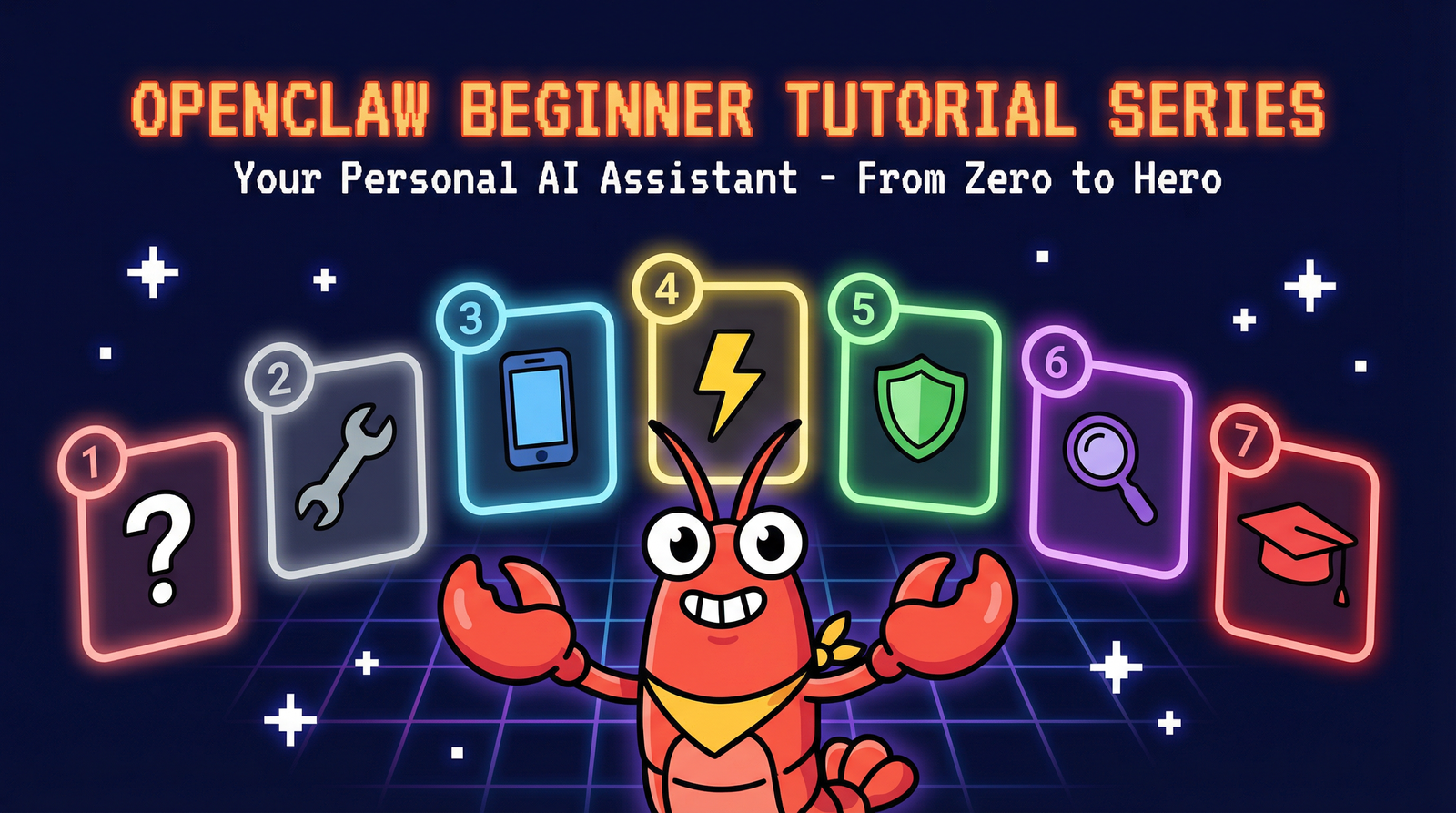
A free, beginner-friendly tutorial series to master OpenClaw — the open-source AI assistant that runs on your computer and talks to you through your favorite messaging apps.
Go from zero to running your own AI assistant. Each module builds on the last, with hands-on examples and clear explanations.
Module 1
Learn what OpenClaw is, how it works, and why it's different from other AI tools. Discover the power of a local, open-source AI assistant.
Module 2
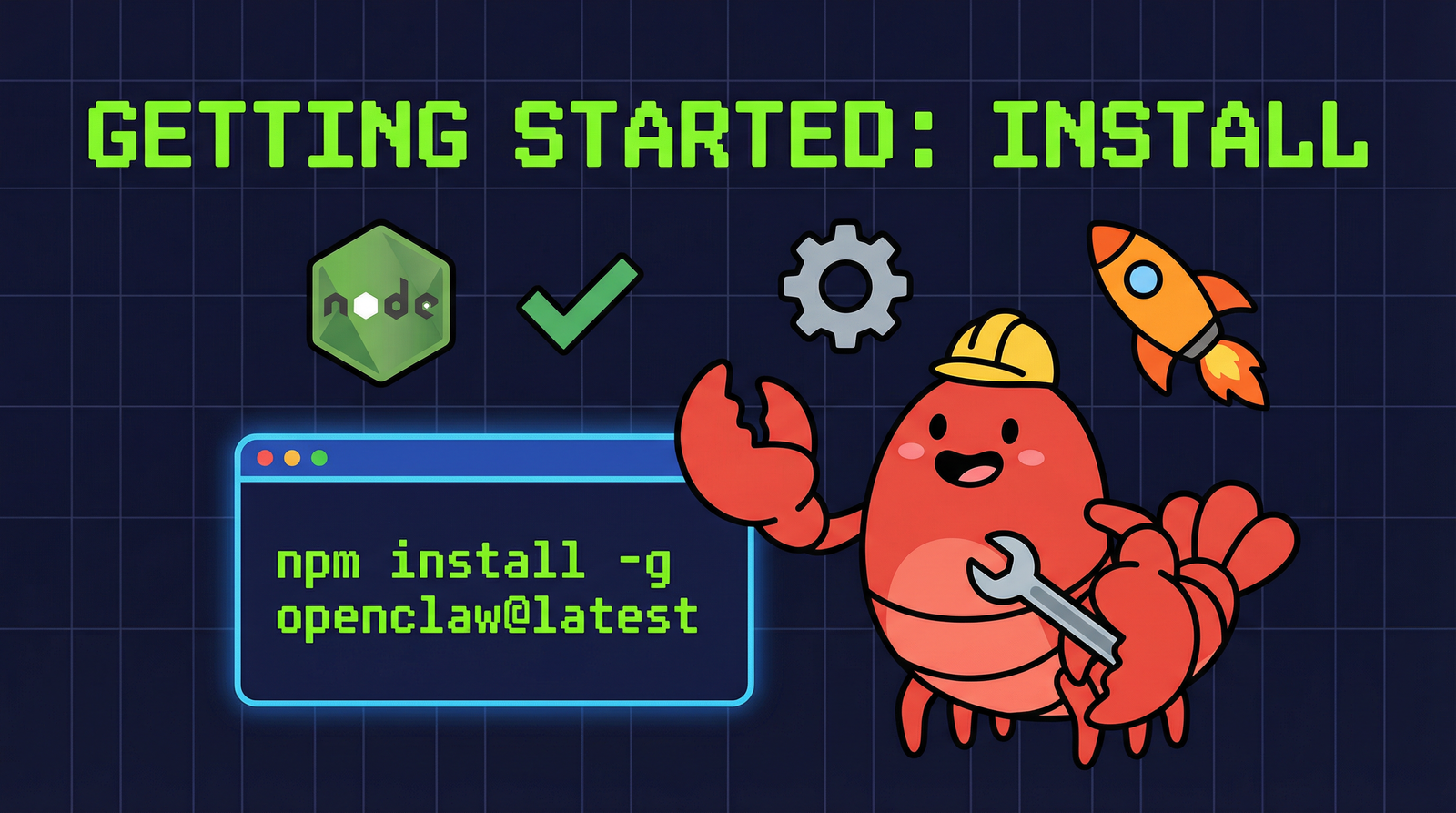
Step-by-step guide to installing OpenClaw on Mac, Windows, or Linux. Just one command and you're ready to go.
Module 3
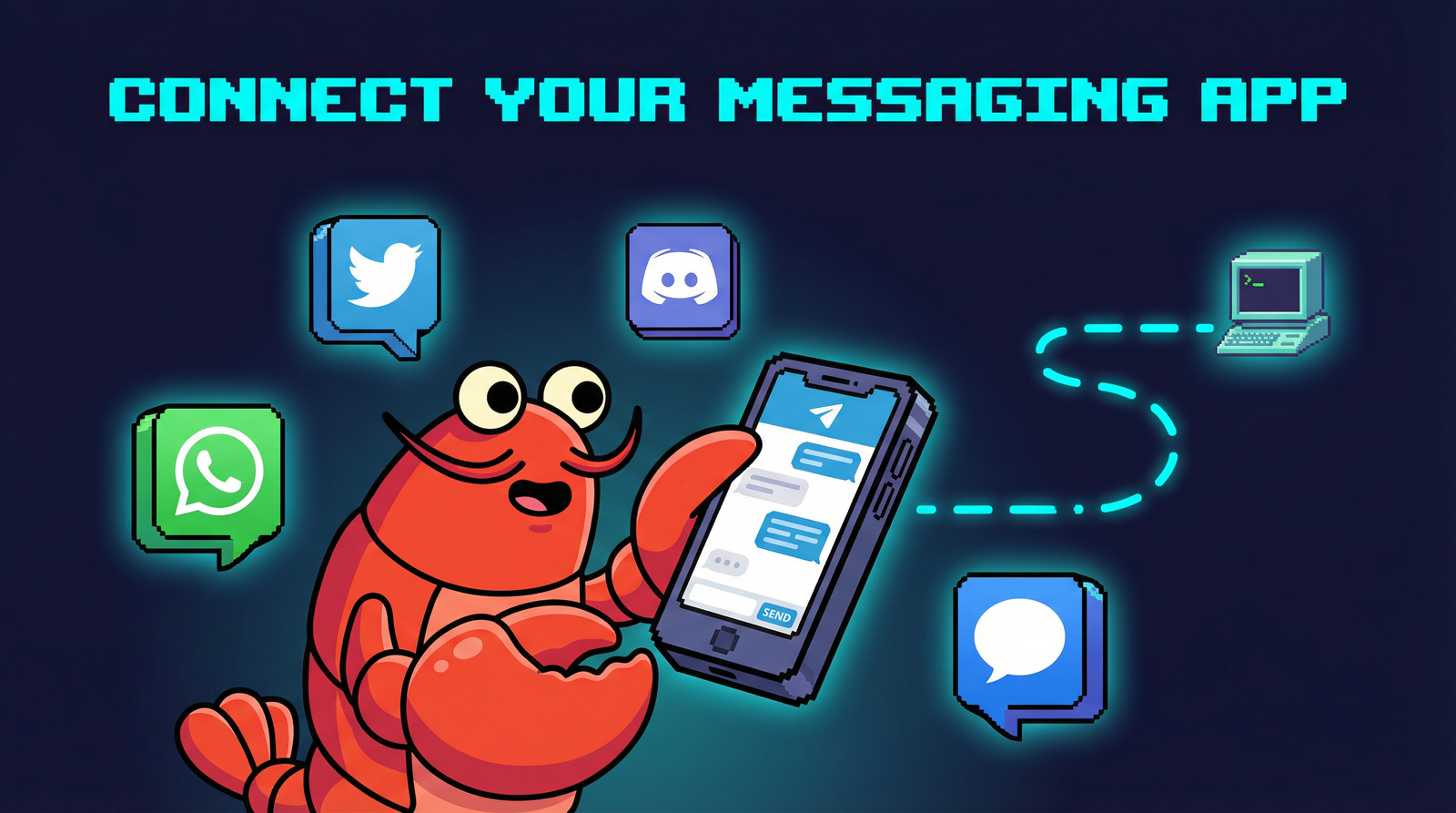
Connect WhatsApp, Telegram, Discord, or iMessage to chat with your AI assistant from anywhere.
Module 4
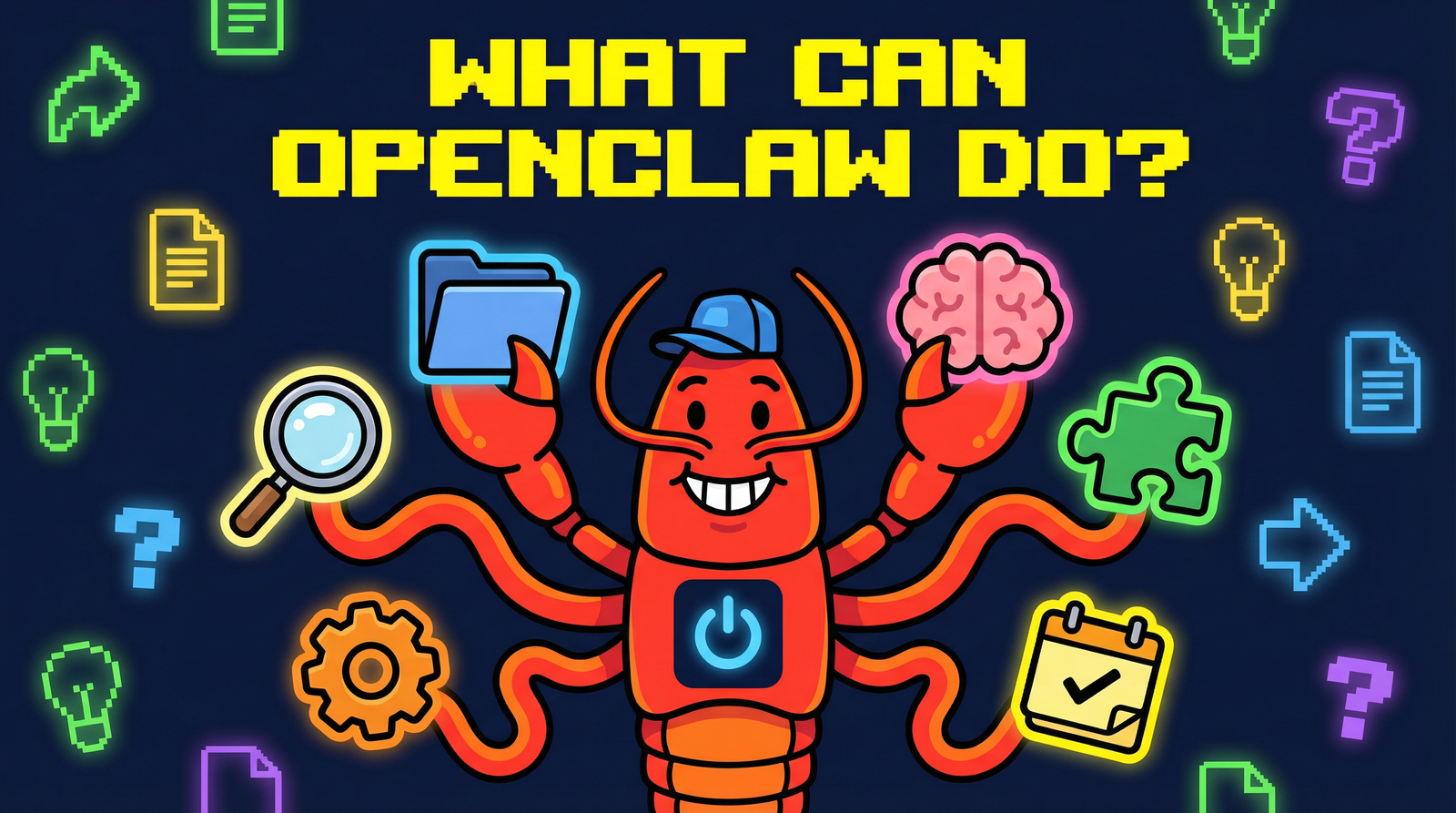
Explore file operations, web browsing, task automation, memory, and the ClawHub skills marketplace.
Module 5
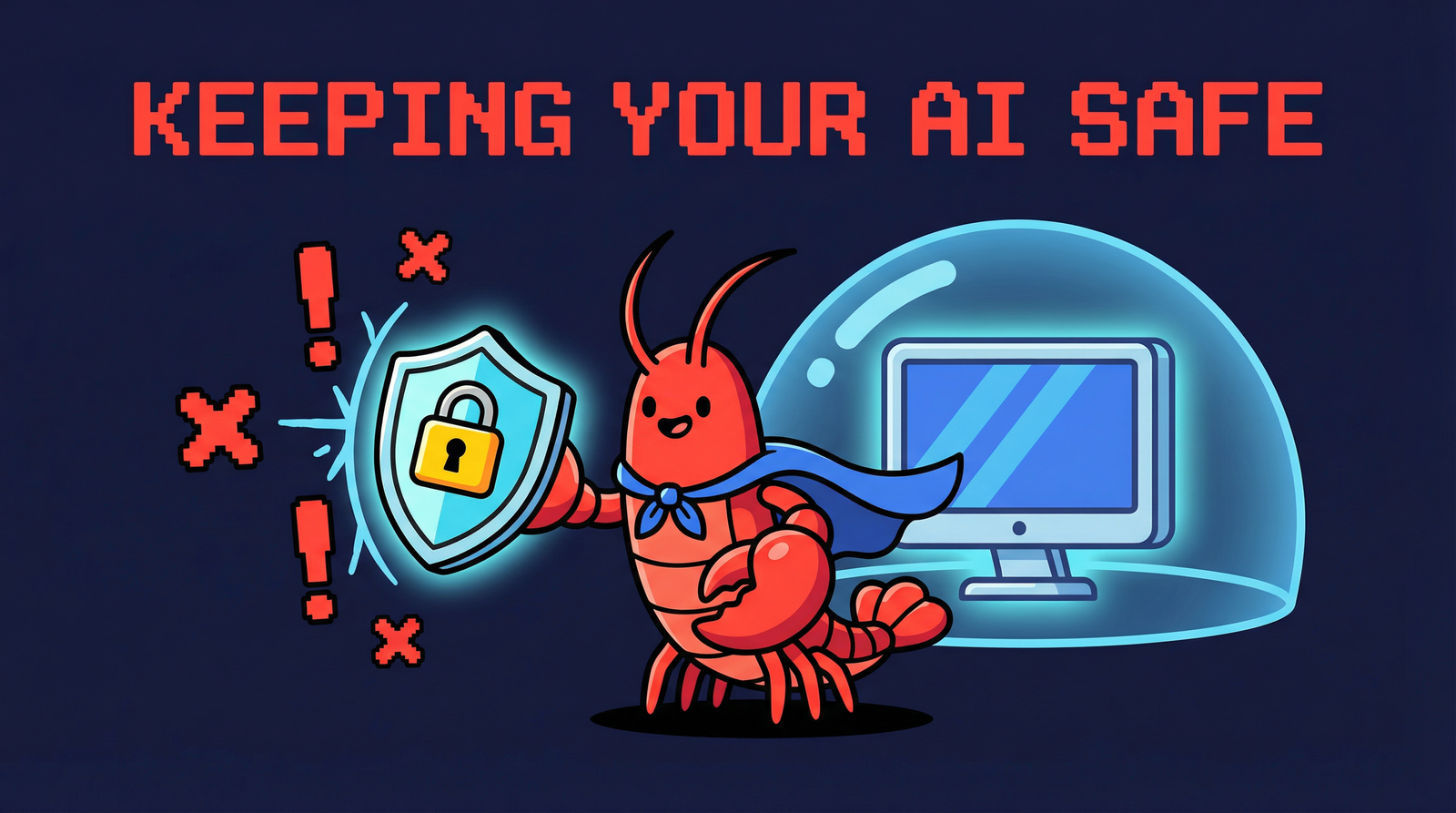
Understand the main threats, built-in protections, and how to set up security rules for your AI assistant.
Module 6
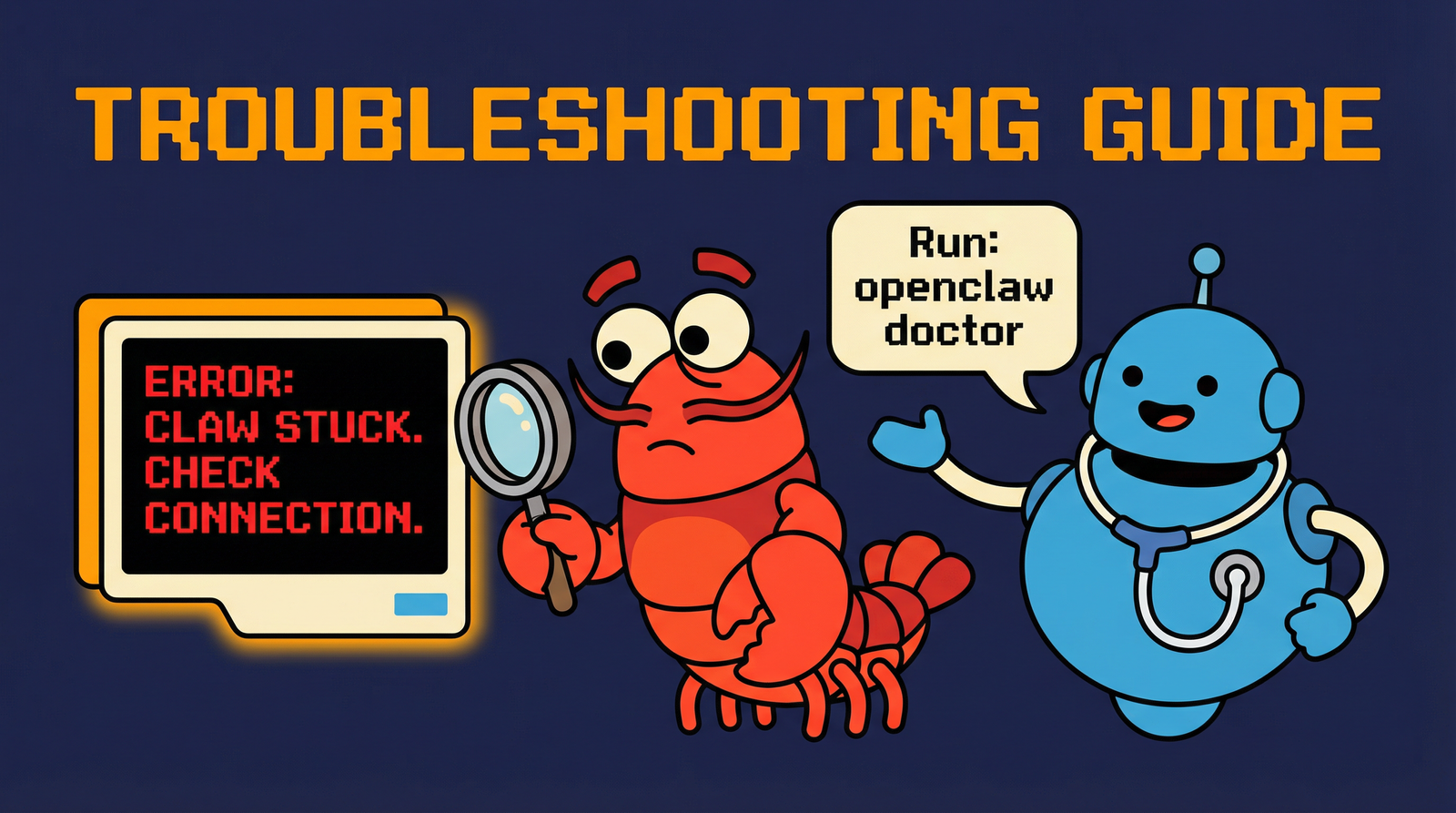
Common issues and quick fixes. Learn to check logs, restart services, and get help from the community.
Module 7
Explore advanced topics, community resources, and how to contribute to the OpenClaw open-source project.
Start with Tutorial 1 and work your way through all 7 modules at your own pace. No experience required.
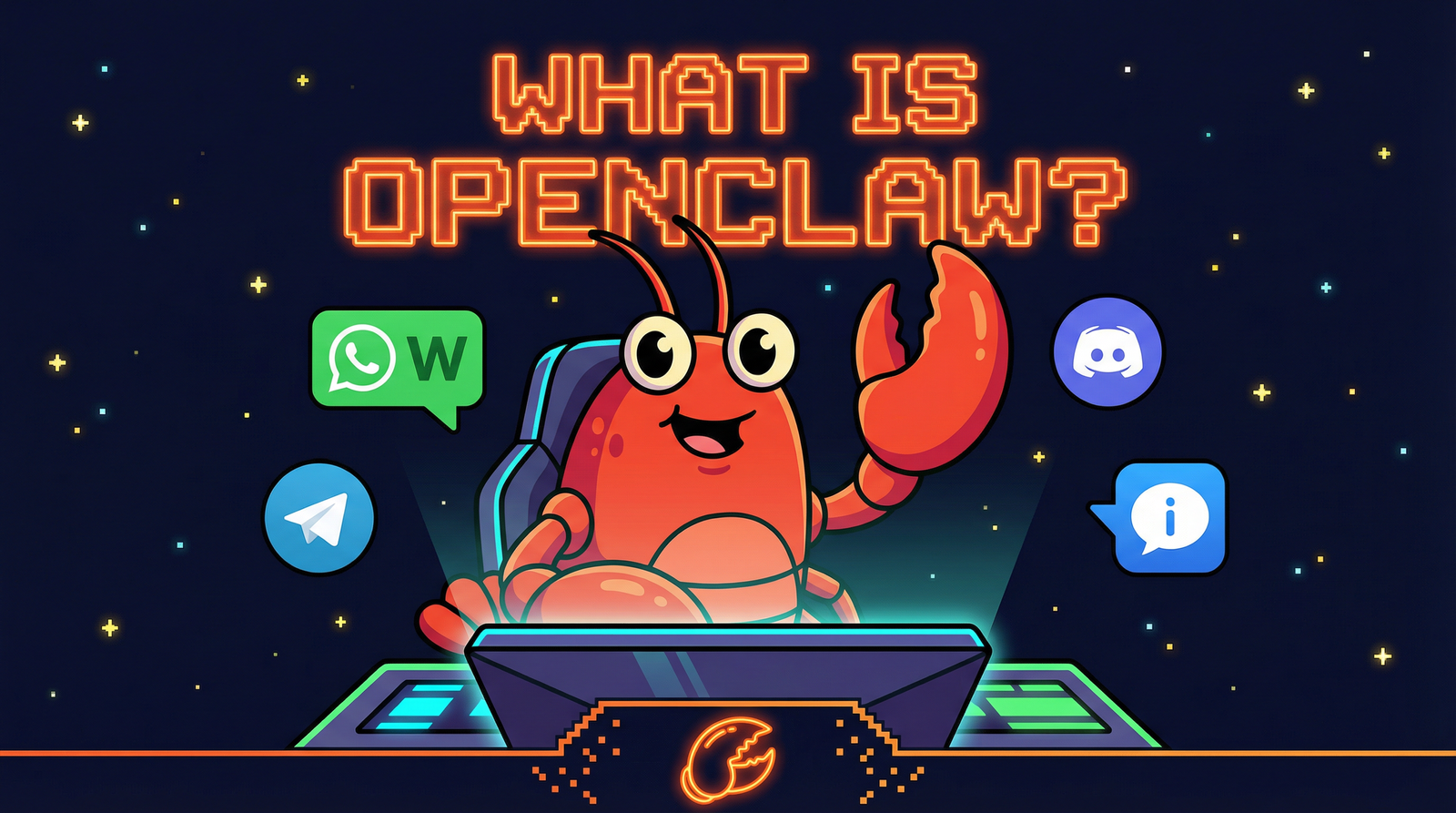
📄 View Full DocsOpenClaw is a free, open-source AI assistant framework that runs entirely on your computer. Unlike cloud-based AI services, your data never leaves your machine — giving you complete privacy and control.
Connect it to WhatsApp, Telegram, Discord, or iMessage and chat with your AI from anywhere. It can read files, browse the web, automate tasks, and remember your preferences over time.
With over 331,000 stars on GitHub and an active community of contributors, OpenClaw is one of the fastest-growing open-source AI projects. And it's completely free to use.
Everything you need to dive deeper into OpenClaw — documentation, source code, and research.
Learn about OpenClaw features, integrations, and community updates.
openclaw.ai ↗Complete guides covering installation, channels, agents, tools, models, and security.
docs.openclaw.ai ↗Browse the source code, report issues, and contribute to the project.
github.com/openclaw ↗Academic analysis of OpenClaw security with the HITL defense framework.
arXiv:2603.10387 ↗Start the beginner tutorial series today. In under 2 hours, you'll have your own AI assistant running on your computer, connected to your favorite messaging apps.